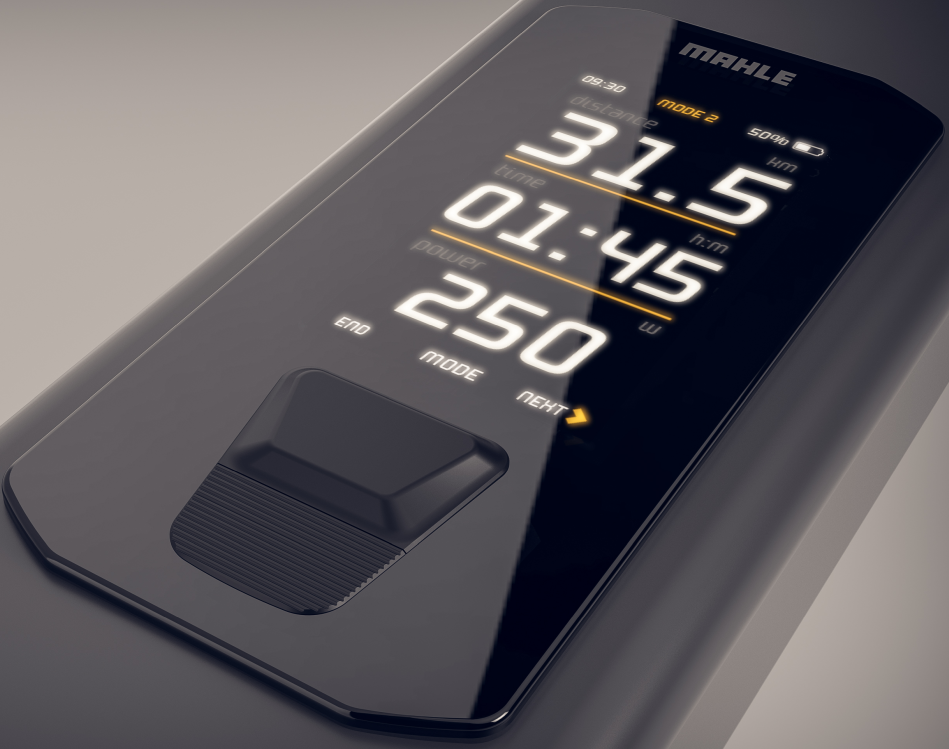
System start-up
Press the button on the main control unit once to switch on the system. The display of the main control unit will turn on and show a welcome animation. If everything is correct, once the start-up process is complete, the system’s home screen will appear.
System shutdown
To switch off the system, simply press and hold the Head Unit+ button for 2 seconds until the farewell animation or the activity summary screen appears (whether this screen appears or not can be configured from the control unit menu), after which the system will shut down.
Automatic system shutdown
To save battery, when there is no speed and the phone with the application is not connected to the eBike, the system will automatically switch off after 5 minutes (this time can be configured in the control unit menu). This automatic shutdown process also occurs during charging when the internal battery reaches 100% charge.